Everything you need.
Nothing you don't.
DashLog records only what matters — verified GPS data. No driving score hype, no AI guesses.
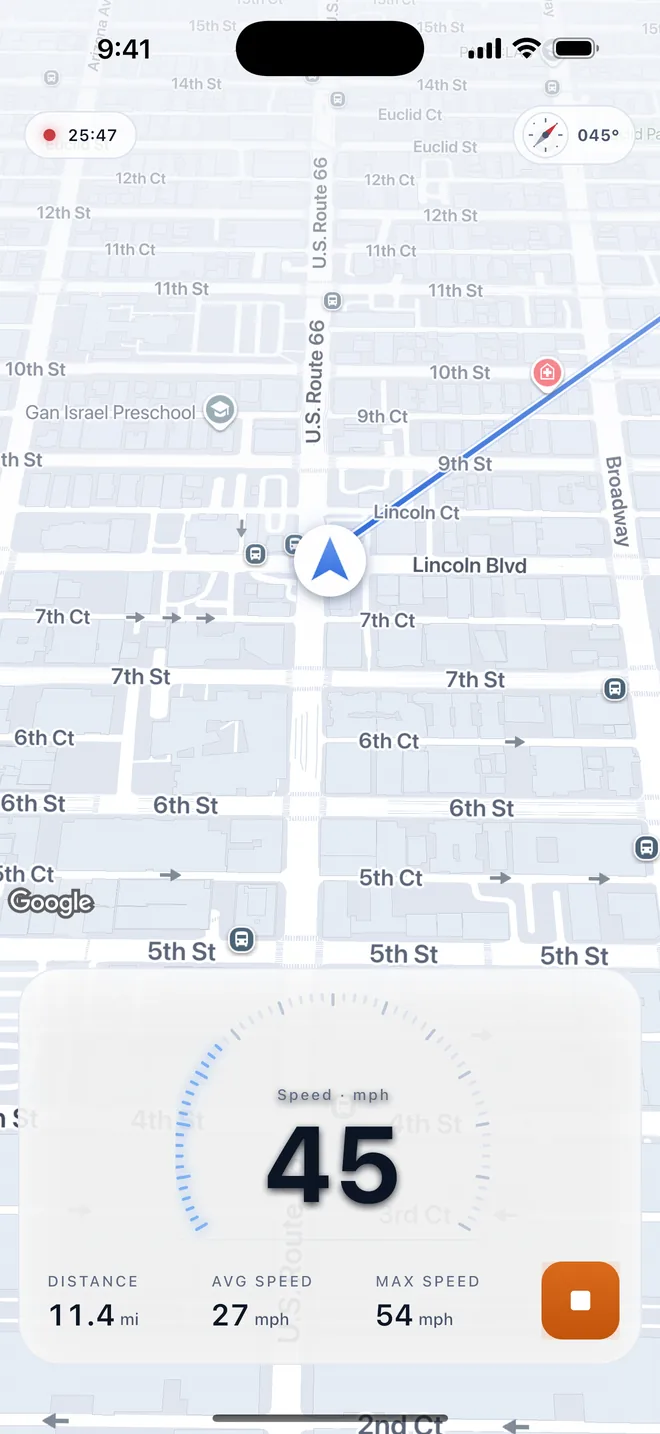
Records every drive on its own
Connect CarPlay or your car's Bluetooth and recording starts and stops hands-free. Set it up once — a Shortcuts automation on iPhone, or pair your car on Android. Prefer to decide yourself? Start and stop with a single tap.
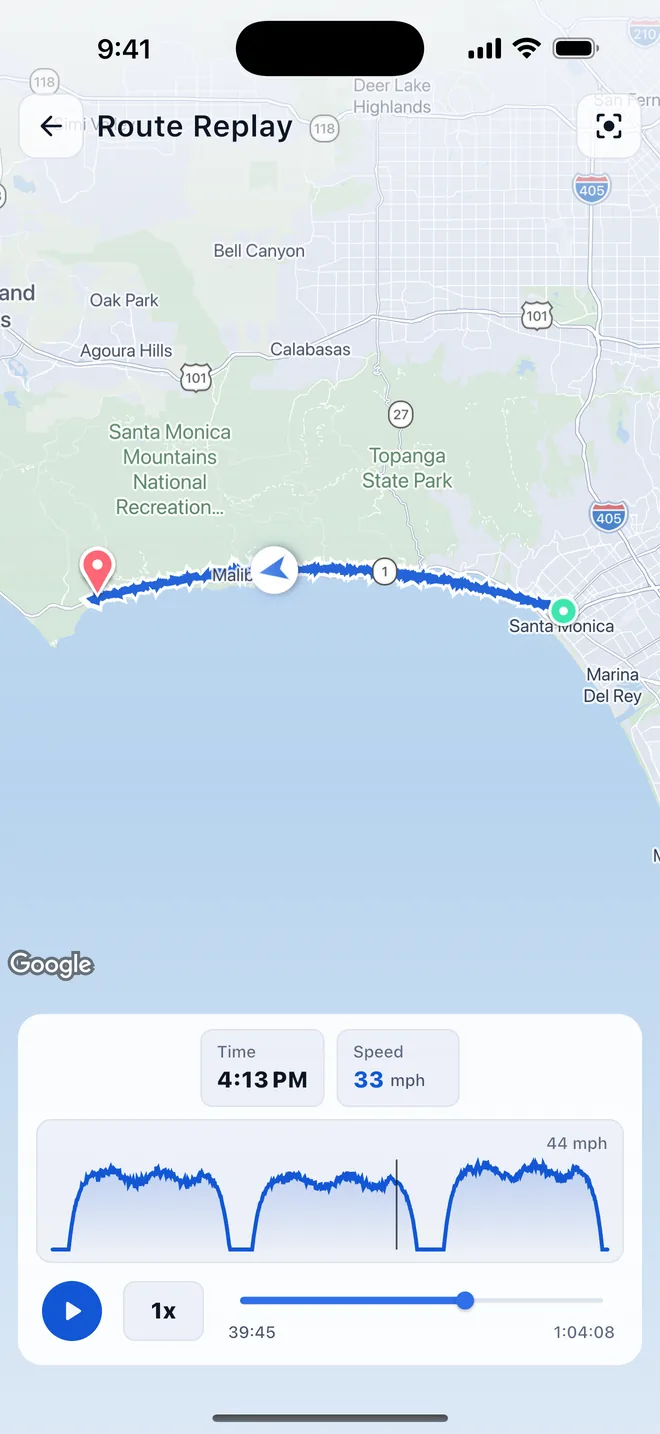
Replay the road
Watch the route again with speed and time along the way. Scrub the timeline to jump to any moment — the scenic stretch, the twisty bit, the long way home.
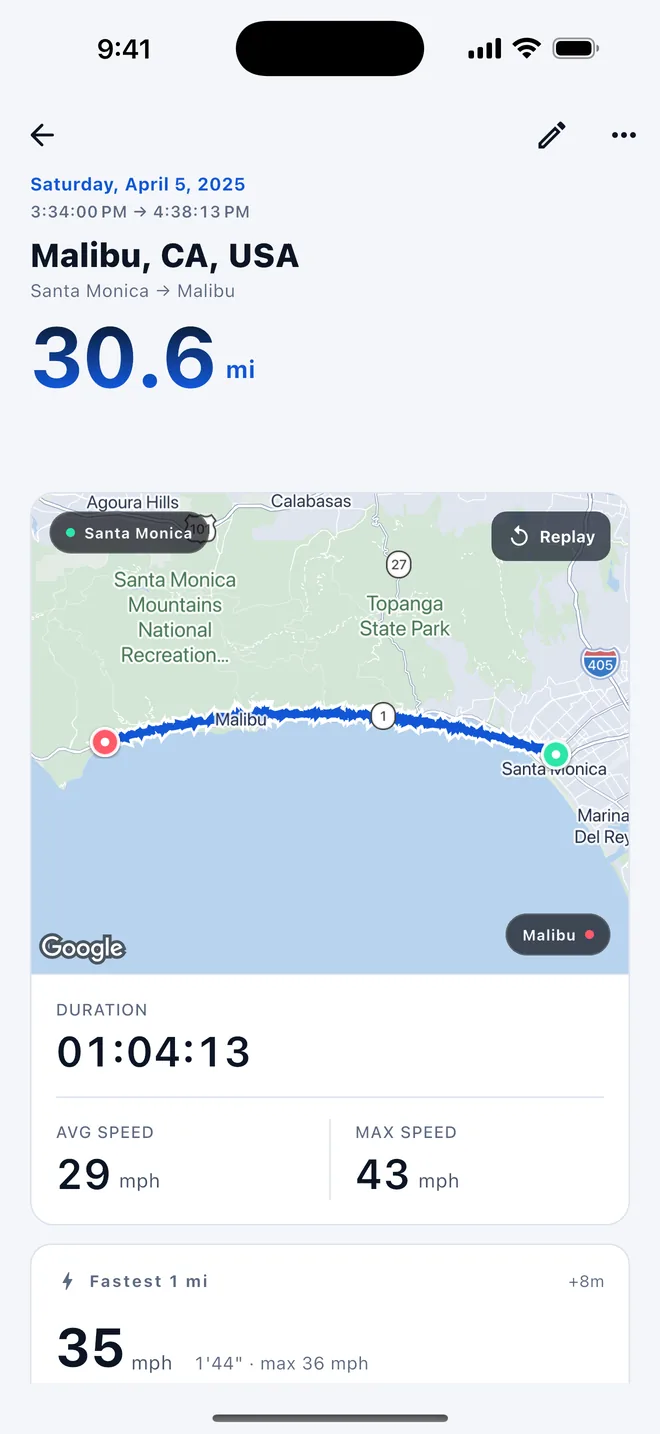
Every route, clearly saved
Distance, duration, average and top speed, and where you went, all on one screen. Each drive becomes a complete record the moment it ends.
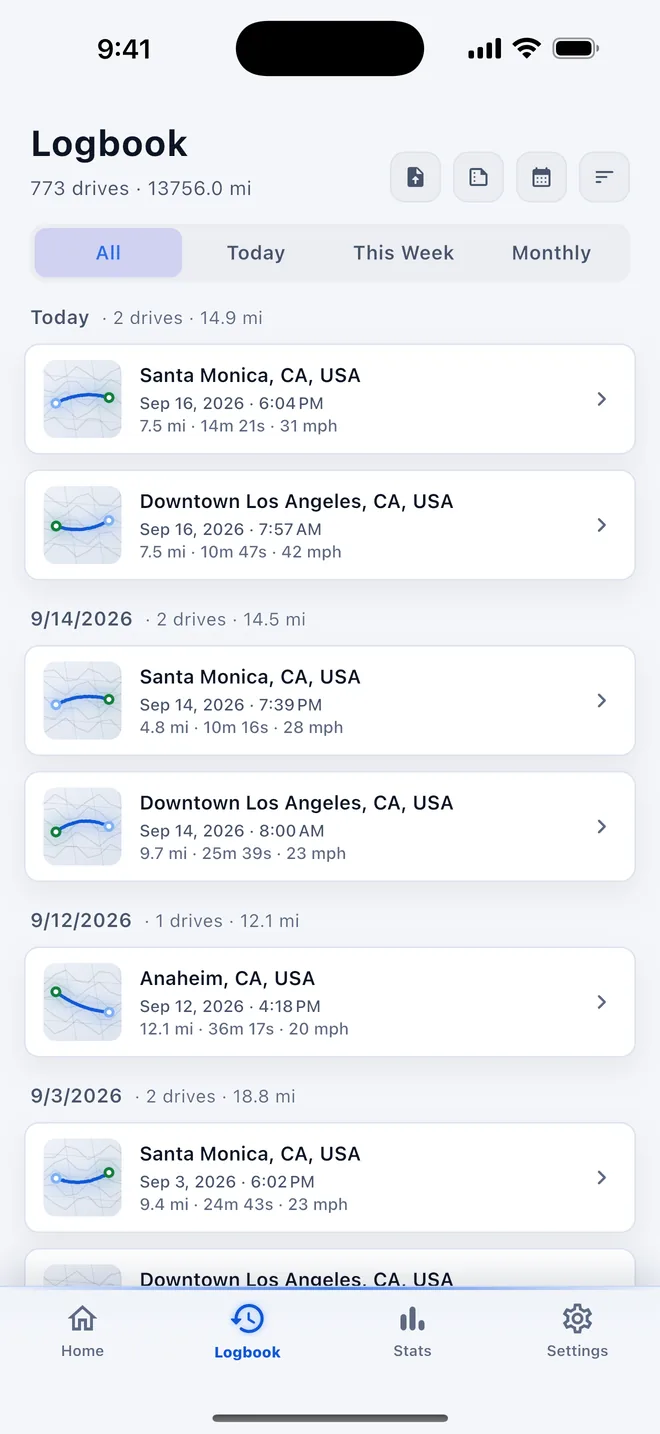
Trips, neatly logged
Browse every drive by date with distance, time, and a route preview. Narrow it to today, this week, or a month, and tap any entry for the full details.
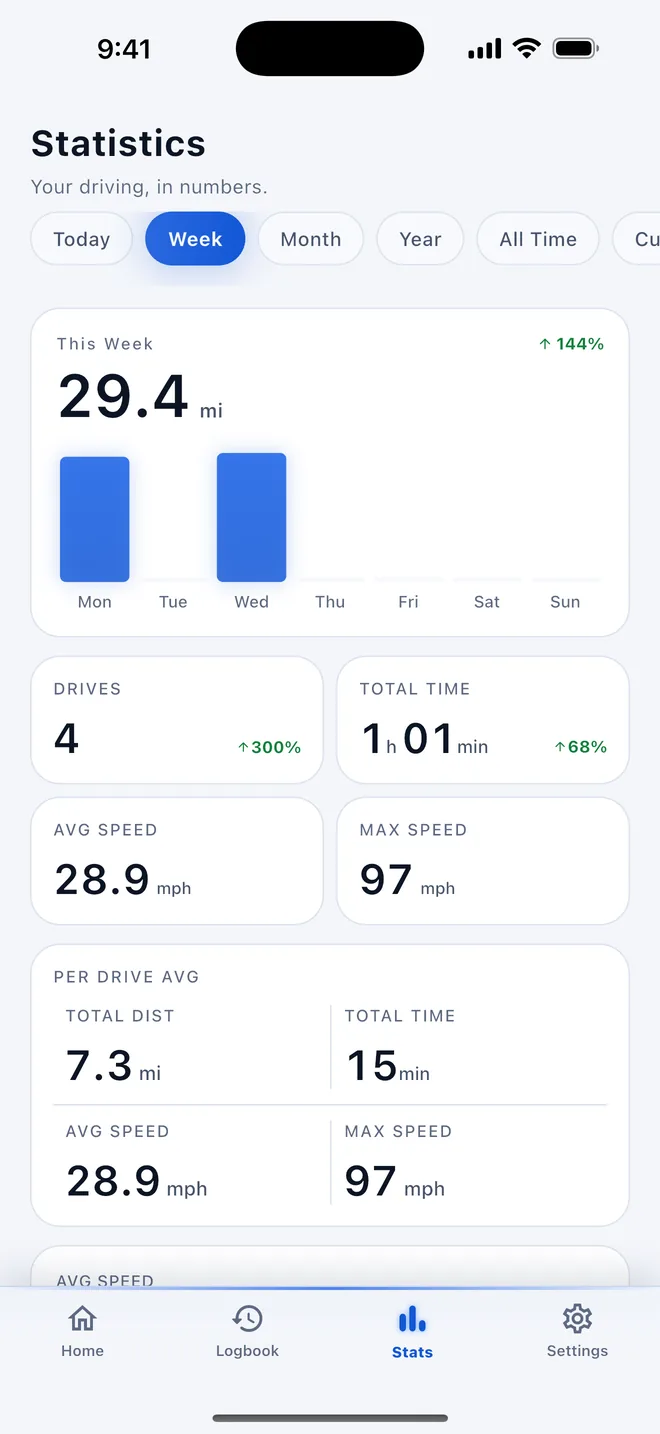
Your driving, in numbers
Today, this week, this month, this year, or all time: distance, drives, time, and speed with clear charts and the change from the previous period.
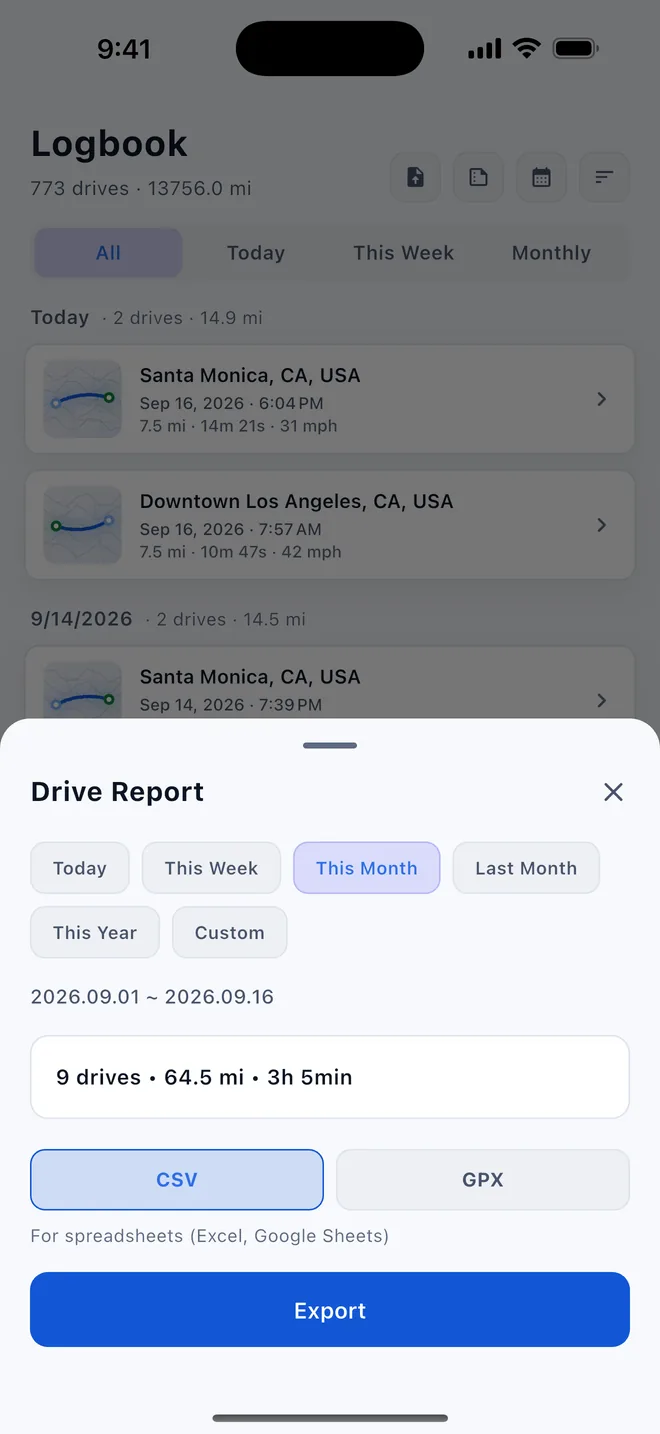
Export GPX or CSV
Export a single drive, or pick a period — today, this week, this month, last month, this year — and save it as one report. GPX tracks from other apps can be imported too.
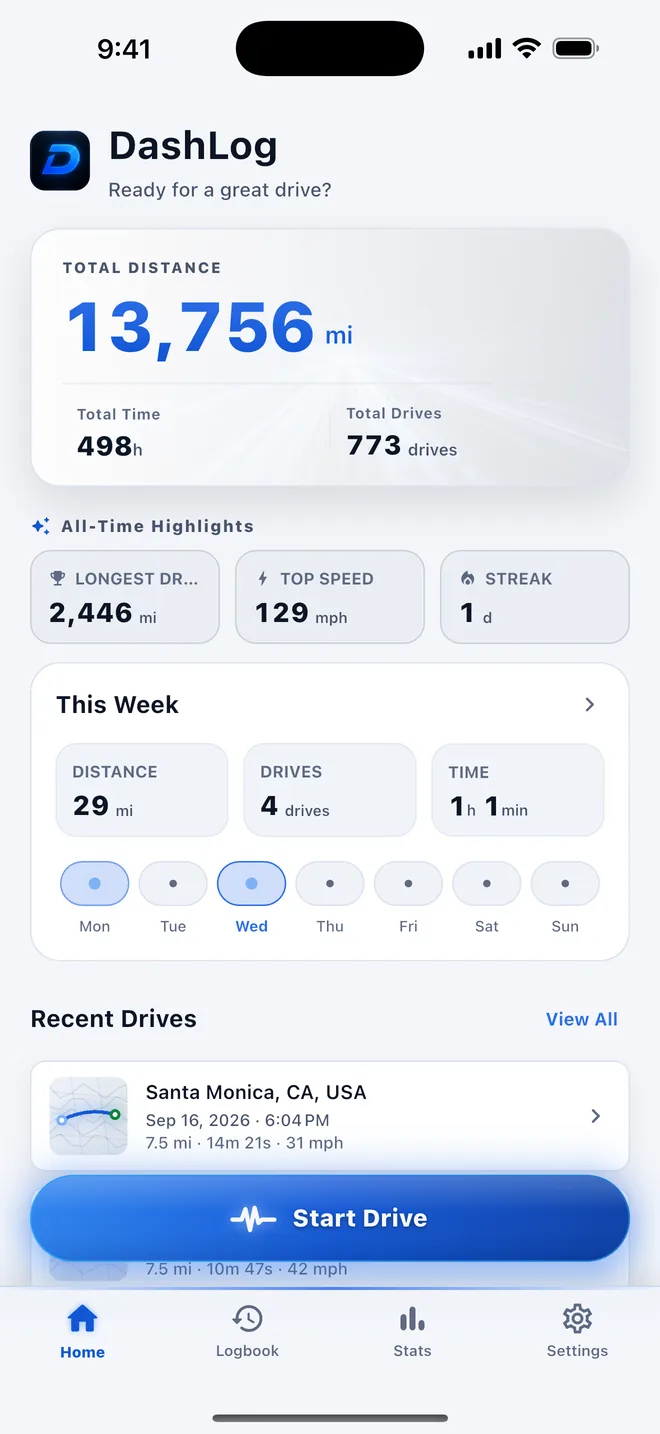
Your drives at a glance
Total distance, all-time highlights, this week's activity, and recent drives in one clean view. Open the app and see how far you've come.
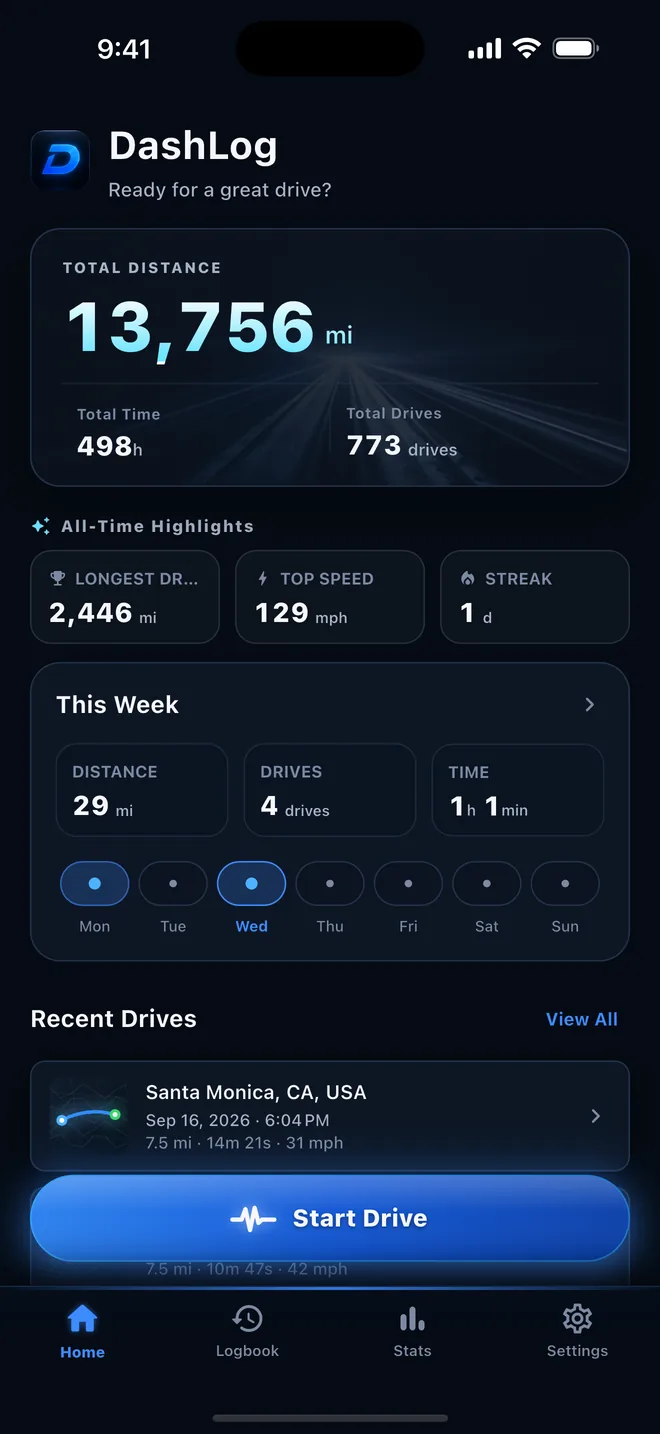
Light or dark, day or night
DashLog follows your system appearance, or pick light or dark in Settings.