How to remove noise from a recording in NoisyNo — 5 steps
NoisyNo works as a simple flow: pick a file → preview → clean → compare → share. Choose a voice recording or video file and process it with no account. Here it is, step by step.
Pick a recording or video file
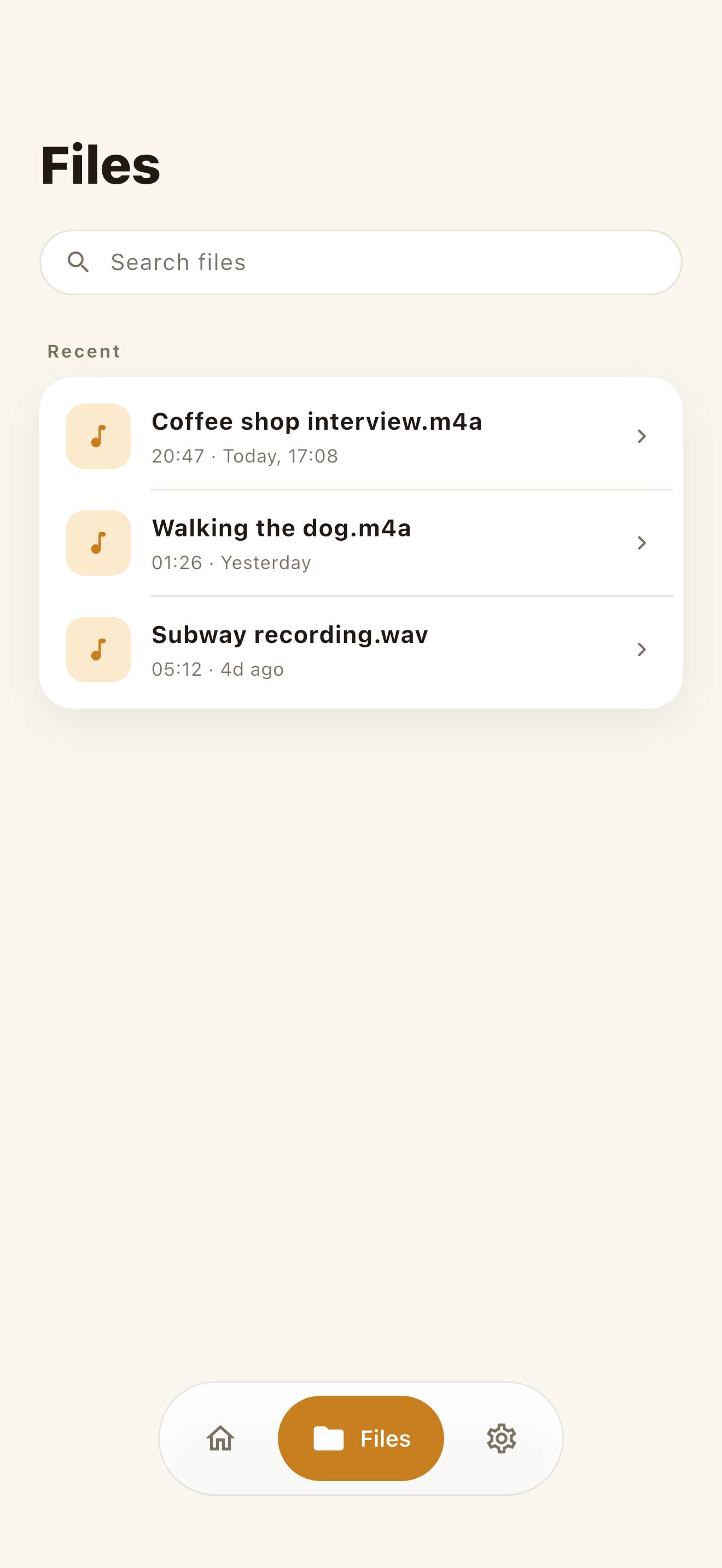
Recent files are right there — no folder digging. In the Files tab, search by name or pick a voice memo, interview, meeting, lecture, or video; the app only touches the file you choose. Common formats work out of the box (M4A, MP3, WAV, AAC, CAF, plus MP4/MOV video), so there's nothing to convert first.
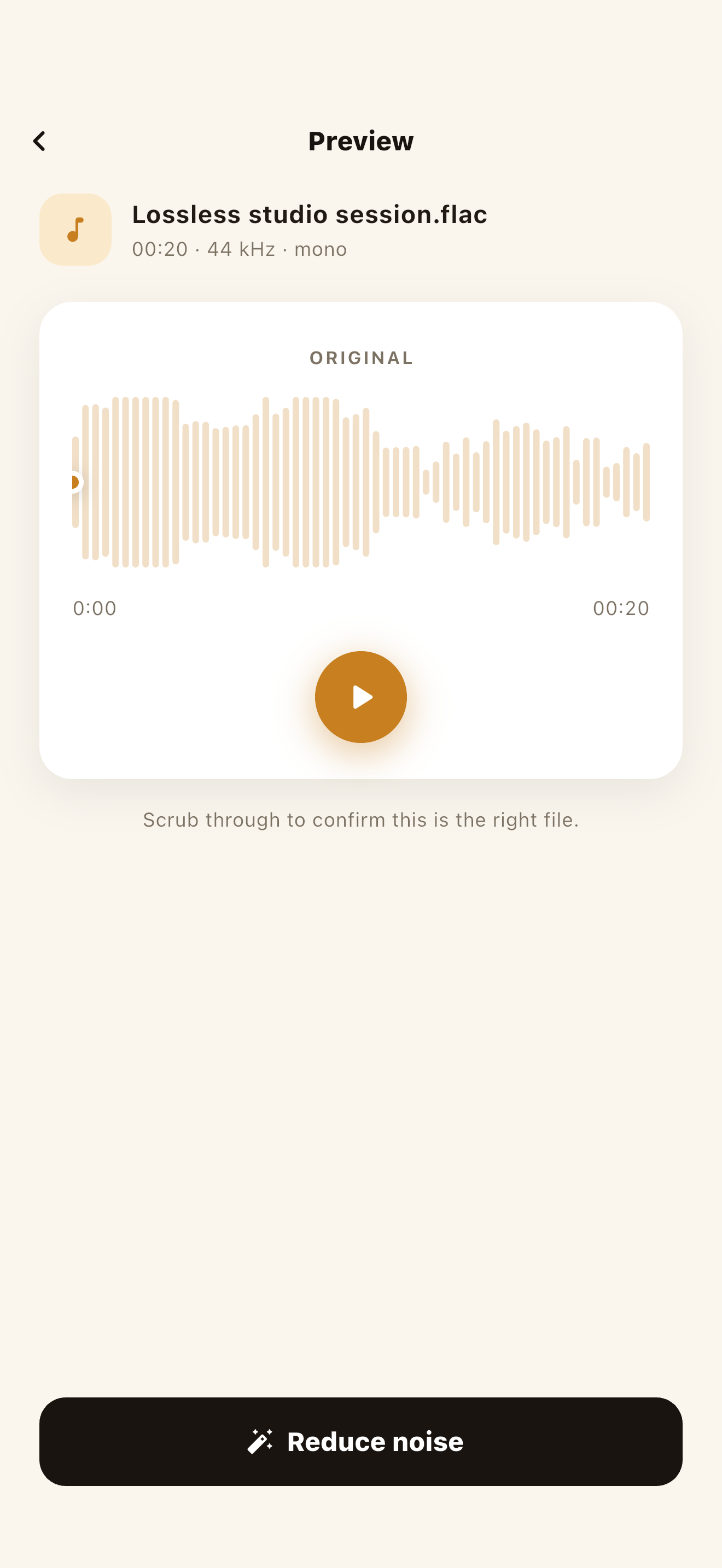
Preview the original
Scrub the waveform and play it back to confirm it's the right clip and hear what noise is mixed in — a steady fan hum behaves differently from sudden street noise. It also sets expectations: a voice buried deep under noise gets helped but not rescued, while shaving hiss off already-clear speech lands close to a studio take.
Run the cleanup (100% on-device)
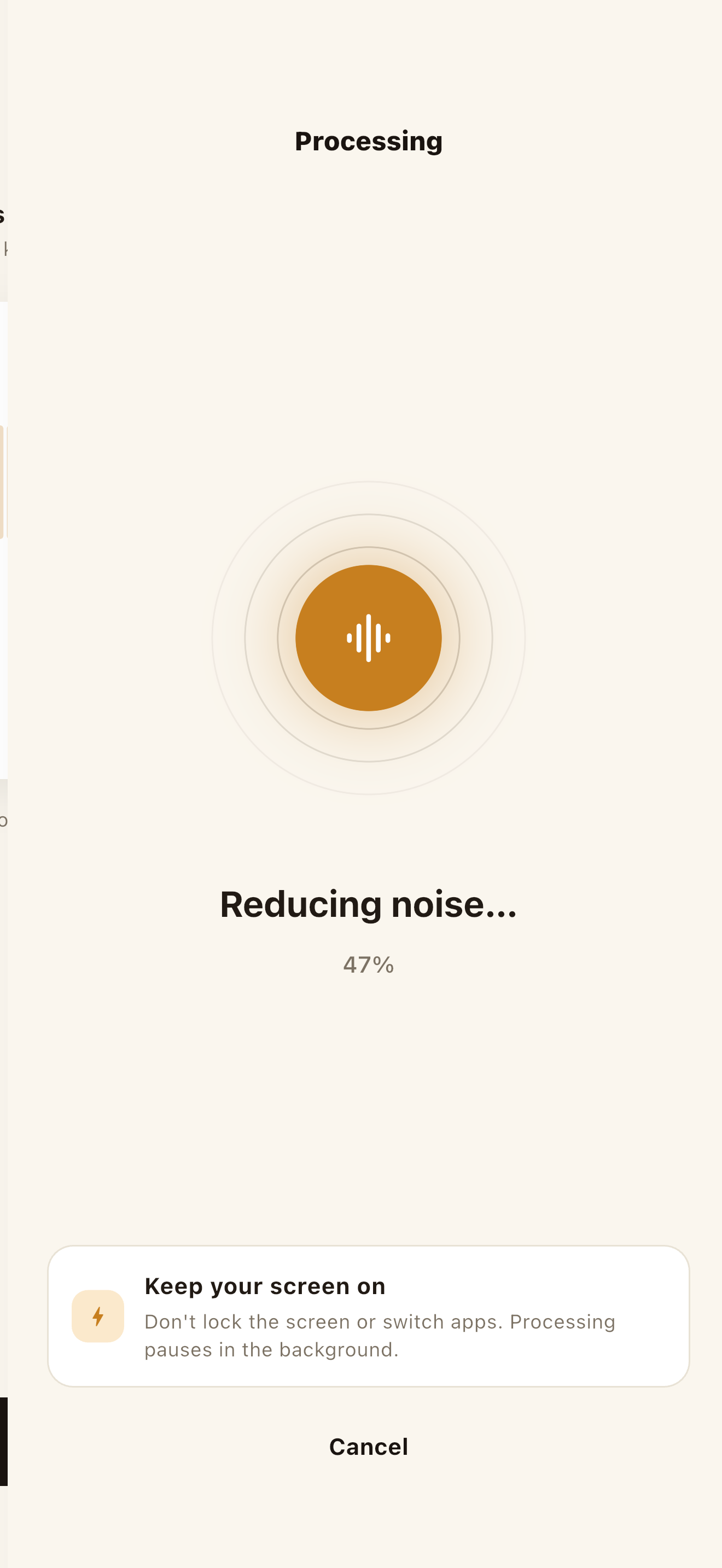
Tap Clean and the bundled model reduces the background noise around the voice — no upload wait, all inside the device, without internet. A few minutes of audio usually finishes in seconds to a minute; keep the app open, since locking the screen or switching apps can pause processing.
A/B the original against the result
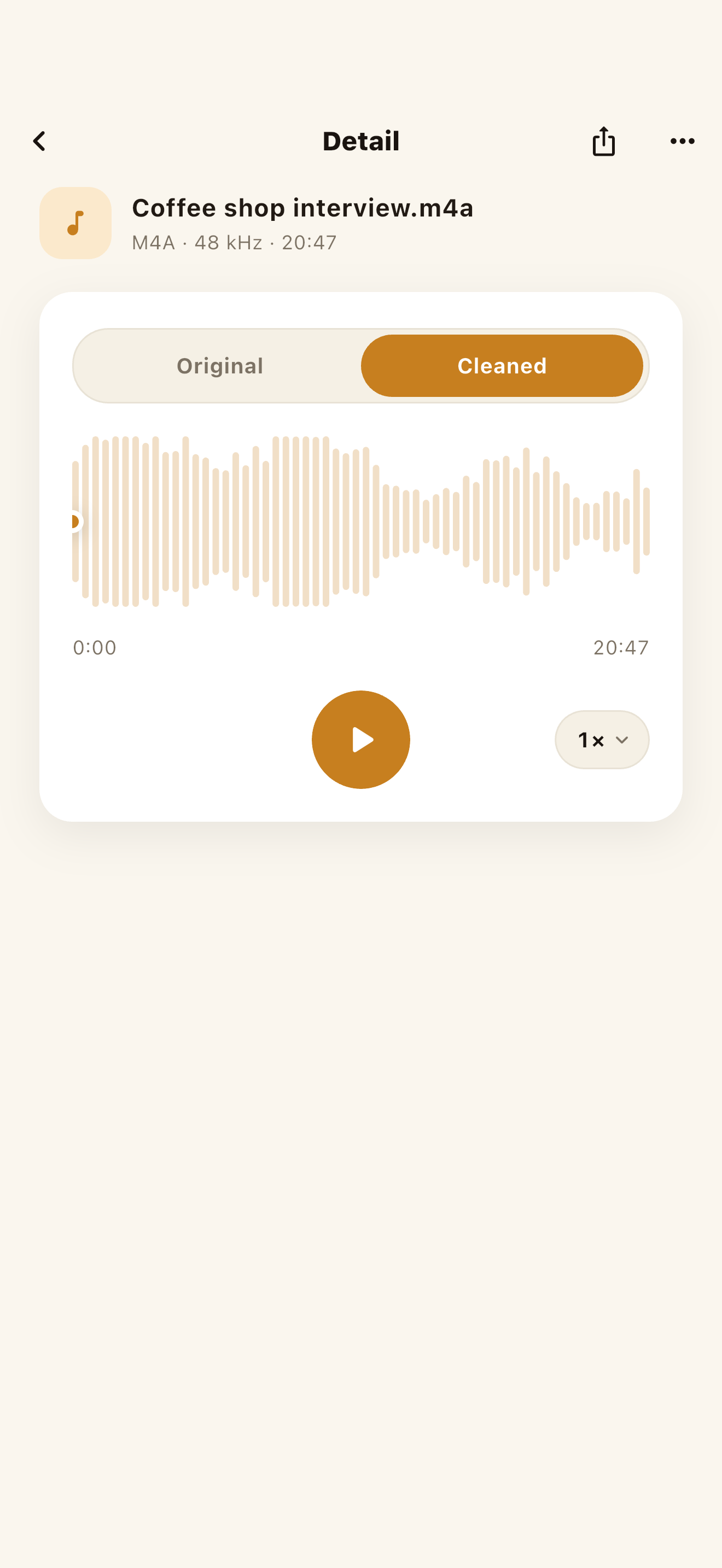
The Original / Cleaned toggle switches between the same spot instantly, so you can hear whether the voice still sounds alive and the noise dropped naturally. It matters because aggressive removal can make a voice thin or underwater — and if the cleaned version loses too much, the original is untouched, since nothing here overwrites your source file.
Save or share
Tap share and send the result to whichever app you want — notes, messages, a video editor, a podcast host, a transcription app. Where it goes is entirely your choice. Because there's no account, there's nothing to log into elsewhere and no library on someone else's server; the file lives where you put it.
NoisyNo — Voice Noise Remover
An offline voice noise remover that reduces fan hum, hiss, wind, air-conditioning, and indoor room tone from recordings and video audio. It processes inside your phone, with no file uploads.
Why a no-upload approach matters
Most online noise removers upload your file to a server before processing it. But a recording can carry more than you'd expect — meeting contents, client names, an unreleased interview — so even "remove the noise" comes down to where the file is processed. A no-upload approach is worth reaching for first when:
- Company meetings, classes, or interviews are sensitive to share
- It's an unreleased video draft or podcast master
- Wi-Fi is flaky — a plane, subway, or on-site spot
- You just want it cleaned fast, with no sign-up or upload step
Upload, then process
The file is sent to a website or server before it's processed. Large files take time to upload, and you have to check where and how the file is handled.
Processed inside your phone
Processing runs on the device. With NoisyNo, the file you pick and the result file are not uploaded to a GrayForge server.
What kinds of noise it can reduce
On-device denoising is best at steady background noise — the constant sounds that sit under a voice the whole time. Common examples people bring to NoisyNo:
- Fan and computer hum — laptops, towers, projectors
- Air conditioning and HVAC drone
- Hiss and white noise — cheap mics, high gain
- Wind — outdoor clips and breezy-day video
- Room tone and echo — hollow, boxy rooms
- Electrical hum and buzz — 50/60 Hz mains
- Street and crowd noise — traffic, cafe chatter
- Keyboard and handling noise — typing, taps, bumps
Sudden, sharp sounds — a door slam, a cough, a notification — are harder for any remover because they aren't constant. NoisyNo focuses on the steady layer that makes a voice sound "noisy," which is what most meeting, interview, and lecture recordings actually need.
Worth knowing: "no file upload" and "no network" are different
Your recording and the result file are not uploaded to a GrayForge server — per NoisyNo's privacy policy, files are processed on the device. That's not the same as never touching the network: limited diagnostics (Firebase Crashlytics, Analytics, Remote Config) may run for app quality, and these don't include file names or audio content.
NoisyNo doesn't upload your recording to process it, but the diagnostic data for stability isn't literally zero. Treat file processing and diagnostic data as two separate scopes.
Frequently asked questions
Can I remove noise from a recording without uploading it to a server?
Yes. NoisyNo is built to process the audio of a chosen voice or video file inside your phone. The file is not uploaded to a GrayForge server.
Does NoisyNo work without internet?
After installation, the core noise-removal processing runs offline. Installing the app, updates, store features, and some diagnostics may still depend on your network.
Do I need an account?
No. NoisyNo does not require an account or sign-in to remove noise from a recording.
Can it clean up the sound in a video file too?
For supported video files, it can extract the audio, remove noise, and let you save or share the resulting audio.
What audio and video formats does it support?
Common audio formats such as M4A, MP3, WAV, AAC, and CAF work directly, and NoisyNo can take the audio from MP4 and MOV video. You don't need to convert the file first.
Is NoisyNo free?
NoisyNo is free to download, with no accounts, no ads, and no file uploads, and noise removal is free to use. Loudness normalization is a Pro feature unlocked by a one-time in-app purchase. There is no subscription.
Make your next recording quiet.
After installing, cleaning up your first file takes about three minutes. If anything's unclear, you get answers straight from the person who built it.
grayforge.dev@gmail.com