How to clean a meeting recording in NoisyNo — 5 steps
The flow is the same whether the meeting was on Zoom, Teams, Google Meet, or recorded in the room on a phone: export → pick → clean → compare → share. No account, no upload.
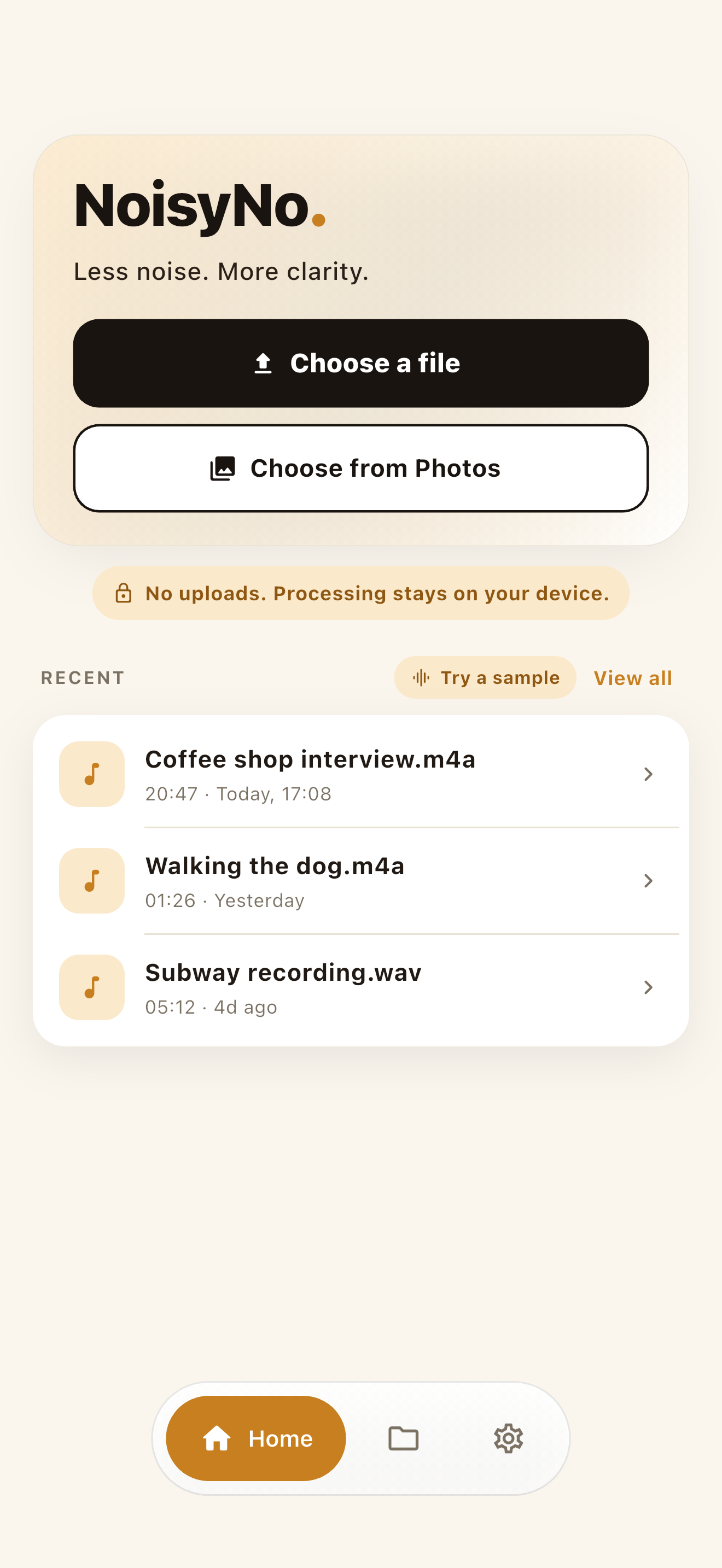
Get the recording onto your phone
Export the meeting — Zoom and Teams give you an MP4 video or M4A/MP3 audio; a recorder already saves it locally. Save it to your phone. No converting needed: NoisyNo reads common audio formats and can pull the audio straight out of the meeting video.
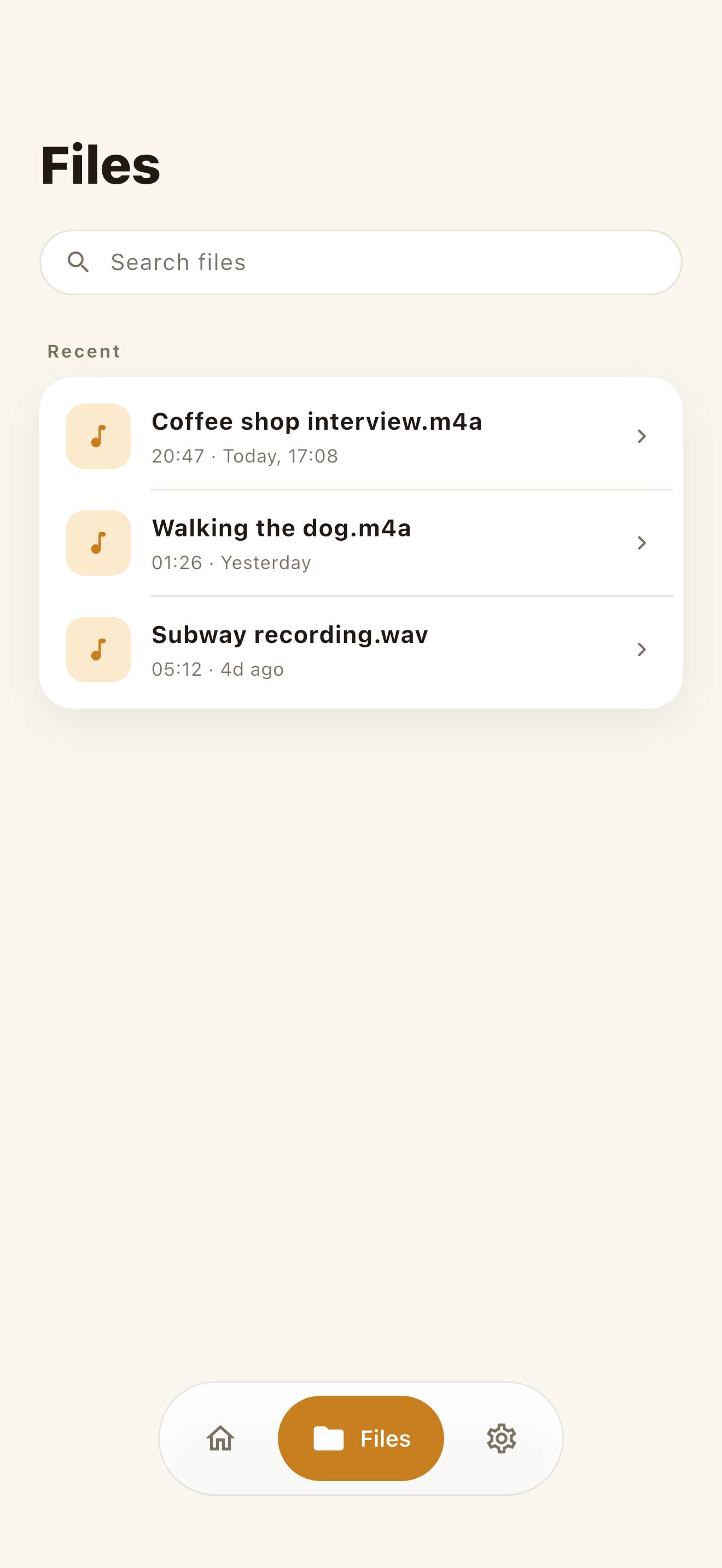
Pick the meeting file
In the Files tab, search by name or scroll recent recordings and choose the meeting — it only touches the one file you select. Preview a few seconds first; a steady fan drone cleans up differently than a room with echo, so it sets your expectations for the result.
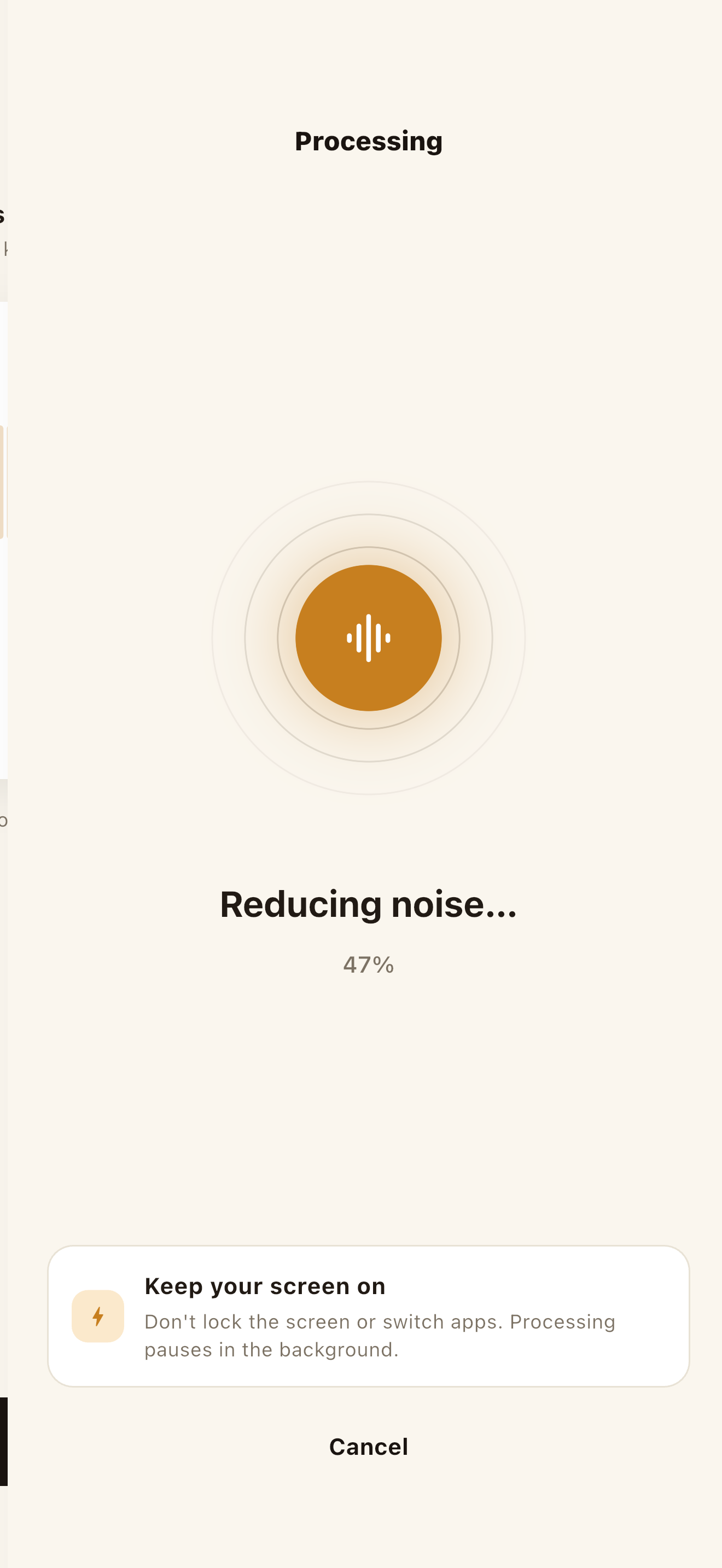
Run the cleanup (100% on-device)
Tap Clean and the bundled model reduces the steady noise under the voices — no upload wait, all inside the device. Longer meetings take longer; keep the app in the foreground while it works, since switching away can pause processing.
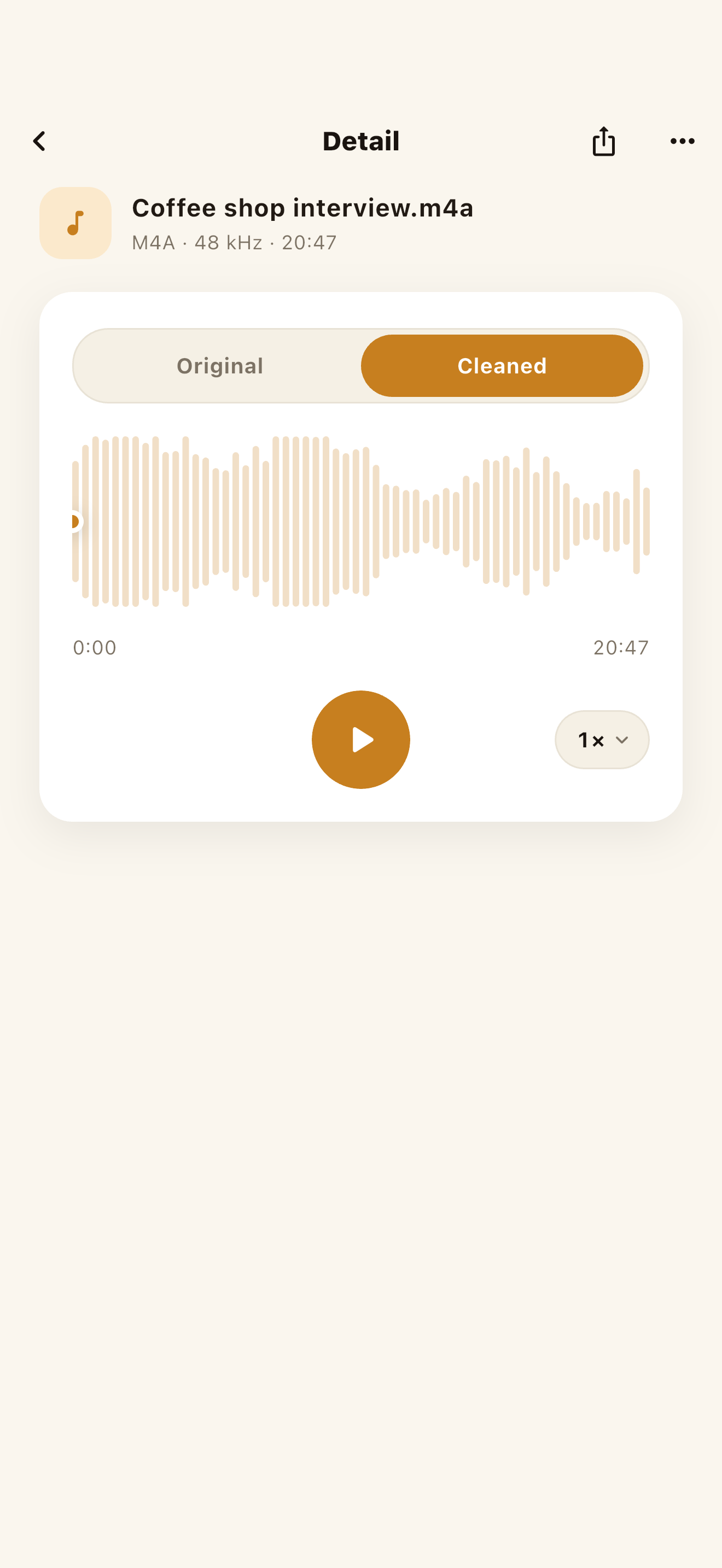
Compare before you send it around
Use the Original / Cleaned toggle to A/B the same moment — listen to a spot where someone speaks quietly or over the fan to hear whether voices stay natural. If the cleaned version loses too much, your original is untouched: nothing here overwrites the source file.
Share to notes or transcription
Tap share and send the cleaned audio wherever it needs to go — notes, a transcription service, a summary tool, the team channel. There's no account, so nothing sits in a meeting library on someone else's server; the file lives where you put it, and you decide who sees it.
NoisyNo — Voice Noise Remover
An offline voice noise remover that reduces fan hum, hiss, wind, air-conditioning, and indoor room tone from recordings and video audio. It processes inside your phone, with no file uploads.
Why keep meeting audio on your device
A meeting recording is one of the most sensitive files you'll ever make — deal terms, client names, salary talk, legal or HR discussion. A "free online noise remover" uploads that whole conversation to someone else's server. An on-device tool never sends it anywhere, which matters most for internal strategy calls, meetings under an NDA, and legal, medical, or HR conversations.
Upload the whole meeting
The full recording is sent to a website before it's processed. You have to trust where it's stored, who can access it, and when it's actually deleted.
Processed inside your phone
NoisyNo runs the cleanup locally. The meeting file you pick and the cleaned result are not uploaded to a GrayForge server.
What meeting noise it can actually remove
On-device denoising is best at steady background noise — the constant sounds sitting under every voice. The usual meeting culprits:
- Laptop and computer fans
- Air conditioning and HVAC drone
- Room hum and echo in hard-walled rooms
- Mic hiss from cheap headset or laptop mics
- Electrical hum — 50/60 Hz mains buzz
- Steady street or office noise
What it can't fully fix is sudden, one-off sound — a door slam, a cough, people talking over each other. Those aren't constant, so they're much harder to separate.
Worth knowing: "no file upload" and "no network" are different
Your meeting recording and the cleaned result are not uploaded to a GrayForge server — per NoisyNo's privacy policy, files are processed on the device. That's not the same as the app never touching the network: limited diagnostics (Firebase Crashlytics, Analytics, Remote Config) may run for stability, and these don't include file names or audio.
NoisyNo doesn't upload your meeting to process it, but the diagnostic data for stability isn't literally zero. Treat file processing and diagnostic data as two separate scopes.
Frequently asked questions
Can I clean up a meeting recording without uploading it to a website?
Yes. NoisyNo processes the meeting audio inside your phone, so the file is not uploaded to a GrayForge server. That matters for confidential meetings where the recording shouldn't leave your device.
Does it work with Zoom and Teams recordings?
Yes. Once you export the recording from Zoom, Teams, Google Meet, or any recorder and save it to your phone, NoisyNo can clean the audio. It reads common audio files directly and can also take the audio track from an MP4 or MOV meeting video.
What meeting noise can it actually remove?
It's best at steady background noise — laptop fans, air conditioning and HVAC drone, room hum, and low hiss. Sudden sounds like a door slam or a single cough are harder for any noise remover because they aren't constant.
Can I clean the audio of the meeting video, not just an audio file?
Yes. For supported video files, NoisyNo extracts the audio track, removes noise, and lets you save or share the cleaned audio.
Is it safe for confidential or internal meetings?
The recording and result files are not uploaded to a GrayForge server, and no account is required. For app stability, limited Firebase-based diagnostics may be processed, and these do not include file names or audio content. Always follow your organization's own recording and data policies.
Is NoisyNo free, and is it on iPhone and Android?
NoisyNo is free to download, with no accounts, no ads, and no file uploads, and noise removal is free to use. Loudness normalization is a Pro feature unlocked by a one-time in-app purchase. It is available on the App Store for iPhone and Google Play for Android.
Make your next meeting easy to listen to.
After installing, cleaning up your first meeting recording takes about three minutes. If anything's unclear, you get answers straight from the person who built it.
grayforge.dev@gmail.com